The 12 Best Social Media Content Creation Tools for 2026
Discover the top 12 social media content creation tools for 2026. This guide covers AI video, design, and scheduling to boost your brand's presence.

In today's fast-paced digital landscape, producing high-quality social media content consistently is non-negotiable for brand growth. The old way of juggling separate apps for scripting, editing, design, and scheduling is slow, expensive, and a major drain on creative energy. The key to staying ahead isn't just working harder; it's working smarter with the right technology stack.
This guide cuts through the noise to showcase the 12 best social media content creation tools that will streamline your workflow, automate tedious tasks, and empower you to produce scroll-stopping content at scale. From instant AI-powered video ads to collaborative design platforms, these tools are essential for any marketer, creator, or small business aiming to dominate social feeds in 2026.
We'll dive into a curated selection of platforms designed to solve specific content challenges. You will find detailed breakdowns covering video editing, image creation, AI scriptwriting, and even sourcing creator gear. To truly upgrade your social media workflow, it's crucial to understand how to leverage specialized tools, such as exploring the best video editing apps for TikTok, to streamline your content production.
Each entry in this list provides a clear overview of its core features, ideal use cases, and pricing information to help you make an informed decision. With direct links and screenshots for every tool, you can quickly find the perfect solution to elevate your content strategy, save valuable time, and drive better results. Let’s get started.
1. Proom AI
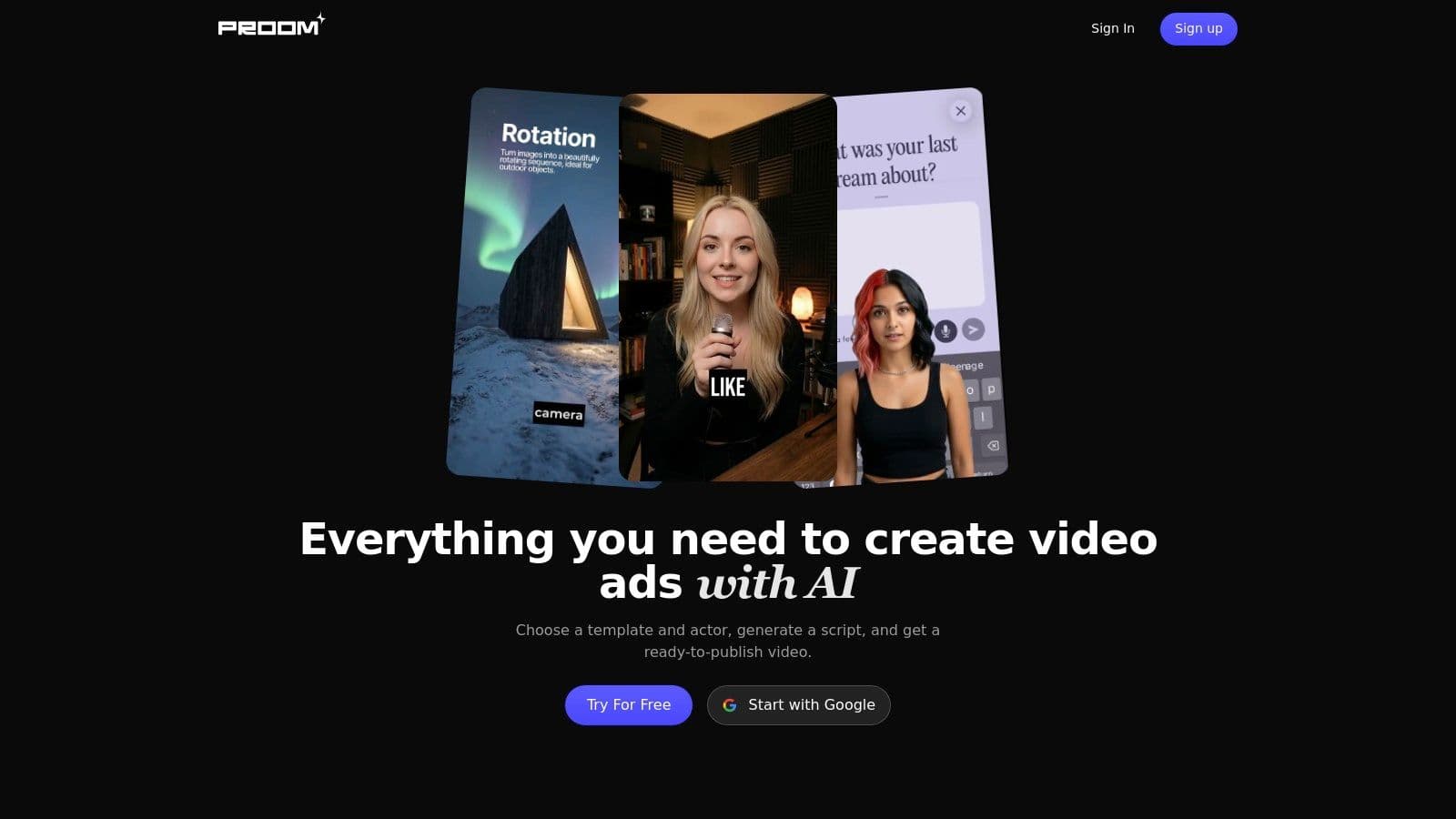
Proom AI stands out as a powerful, all-in-one platform engineered to solve one of the biggest challenges for modern marketers: creating high-quality video ads at scale and speed. It serves as a comprehensive hub for social media content creation tools, transforming static images into compelling, campaign-ready videos in just minutes. This streamlined, three-step workflow (select template, upload assets, generate video) makes it an invaluable asset for e-commerce brands, performance marketers, and agencies who need to produce consistent creative output without the typical production bottlenecks.
The platform’s strength lies in its integration of essential ad creation components. Instead of juggling separate tools for scriptwriting, voiceovers, and editing, Proom AI consolidates AI-driven script generation, a library of over 1,000 AI presenters, and robust localization features into a single, intuitive interface. This synergy eliminates friction and dramatically accelerates the production timeline from concept to launch.
Key Features & Use Cases
- Instant Video Ad Creation: Convert product photos or existing visuals into polished video ads complete with AI presenters, captions, and music. This is ideal for rapidly testing new ad angles or refreshing creative for ongoing campaigns.
- AI Scriptwriting & Presenters: Generate compelling hooks and calls-to-action automatically, then pair them with one of over 1,000 diverse AI actors. This feature is a game-changer for producing user-generated content (UGC) style ads without hiring creators. For a deeper dive into this style, Proom AI offers a guide on how to create effective UGC ads.
- Advanced Localization: With support for over 60 languages and 100+ voice options, brands can efficiently adapt their campaigns for global markets, ensuring regional relevance and authenticity.
- Industry-Specific Templates: Access a library of 100+ templates tailored for specific industries like real estate and interior design, ensuring your ads are visually optimized for your target audience.
Pricing & Platform Details
Proom AI operates on a flexible, credit-based system, with an "all-in-one" plan starting from $39 per month. This model allows users to scale their video production based on demand. The platform offers a free trial to test its capabilities, backed by a money-back guarantee for new users. A key benefit is that creators retain full ownership of the generated videos, and team collaboration is supported under a single account.
| Pros | Cons |
|---|---|
| Ultra-fast, all-in-one workflow replaces multiple tools | Credit costs may increase for very high-volume production |
| Extensive AI presenter and voice library for diverse ad styles | Less granular frame-by-frame control than advanced desktop editors |
| Strong localization capabilities for global campaigns | Best suited for template-driven ads versus fully bespoke creative |
| Flexible pricing, free trial, and full video ownership |
Website: https://proom.ai
2. Adobe Express
Adobe Express is the creative software giant’s answer to the need for speed and simplicity in social media content creation. Positioned as an all-in-one web and mobile app, it’s designed for users who need to produce professional-looking graphics, short videos, and web pages without the steep learning curve of professional tools like Photoshop or Premiere Pro. It excels at empowering small teams and individual creators to quickly generate content that is on-brand and formatted for various social channels.
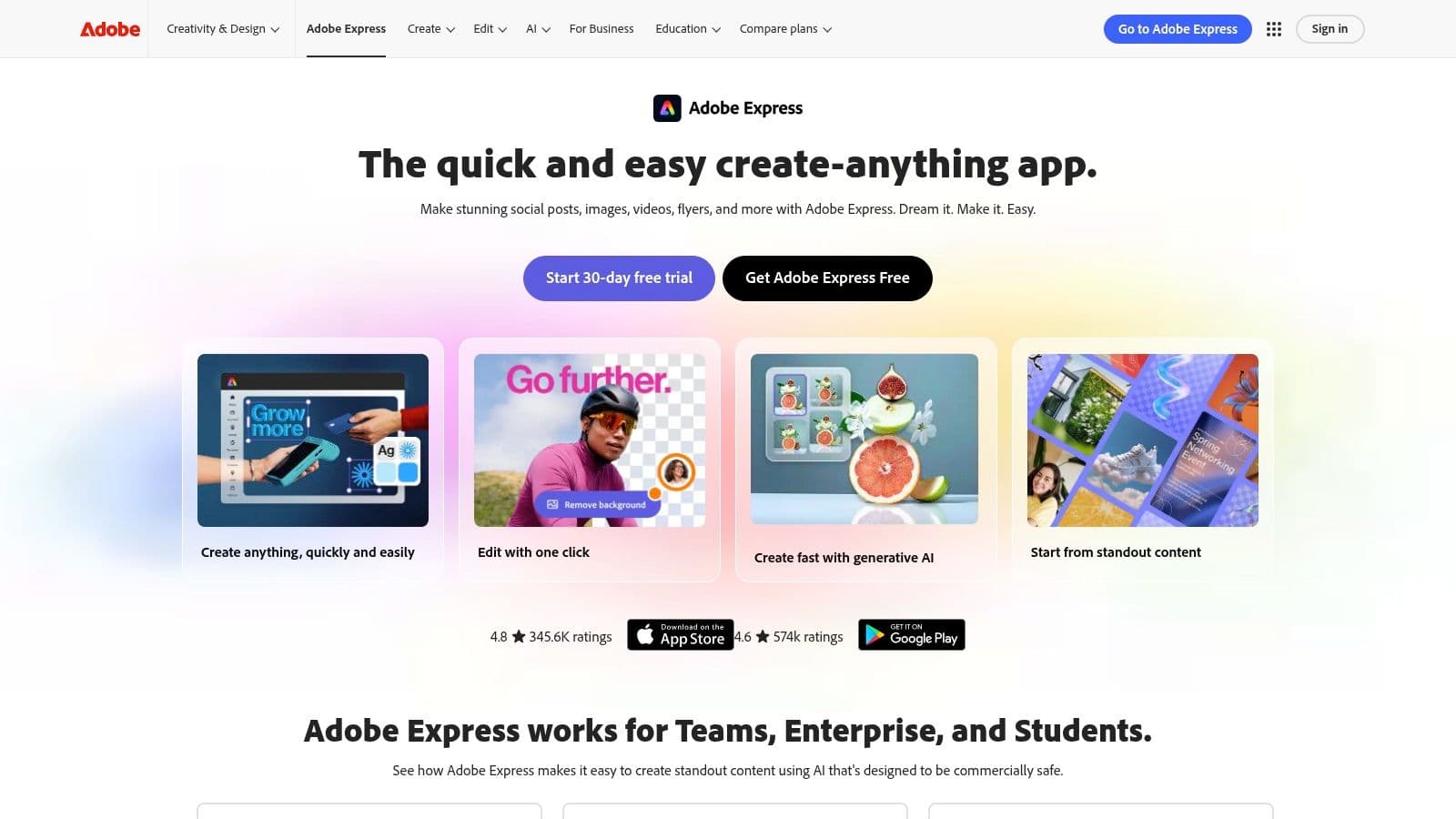
The platform’s strength lies in its seamless integration with the broader Adobe ecosystem. Users can easily import assets from Photoshop and Illustrator, ensuring brand consistency. The access to Adobe Stock assets and Adobe Fonts within the Premium plan is a significant advantage, providing a vast library of high-quality resources directly within the editor.
Key Features and Use Cases
- Template-Driven Workflow: A massive library of templates for posts, stories, and videos allows for rapid content production. This is ideal for campaigns requiring a high volume of assets.
- Brand Kits: Set up logos, brand colors, and fonts once, then apply them to any design with a single click. This feature is a time-saver for maintaining brand consistency across all social media content.
- Content Scheduler: Plan and schedule posts directly to platforms like Instagram, Facebook, and X (formerly Twitter), making it a useful hub for content management.
Platform Breakdown
| Feature | Details |
|---|---|
| Ideal For | Small businesses, marketers, and solopreneurs needing a fast, reliable tool for daily content creation. |
| Pricing | Offers a robust free plan. The Premium plan starts at $9.99/month, unlocking all assets and features. |
| Key Differentiator | Native integration with Adobe's professional creative suite and access to Adobe Stock assets. |
| Proom AI Comparison | While Adobe Express is a strong generalist tool, it lacks specialized features like Proom AI's instant video ad generation from static images or its AI-powered scriptwriting and virtual presenters. |
Website: https://www.adobe.com/express
3. Canva
Canva has become a household name in design, solidifying its place as one of the most accessible and powerful social media content creation tools available. It democratized design by offering an intuitive drag-and-drop interface that empowers non-designers, marketers, and entire teams to produce stunning social graphics, presentations, and short-form videos. Its core appeal lies in its vast library of templates and assets, which drastically reduces the time from idea to publication.
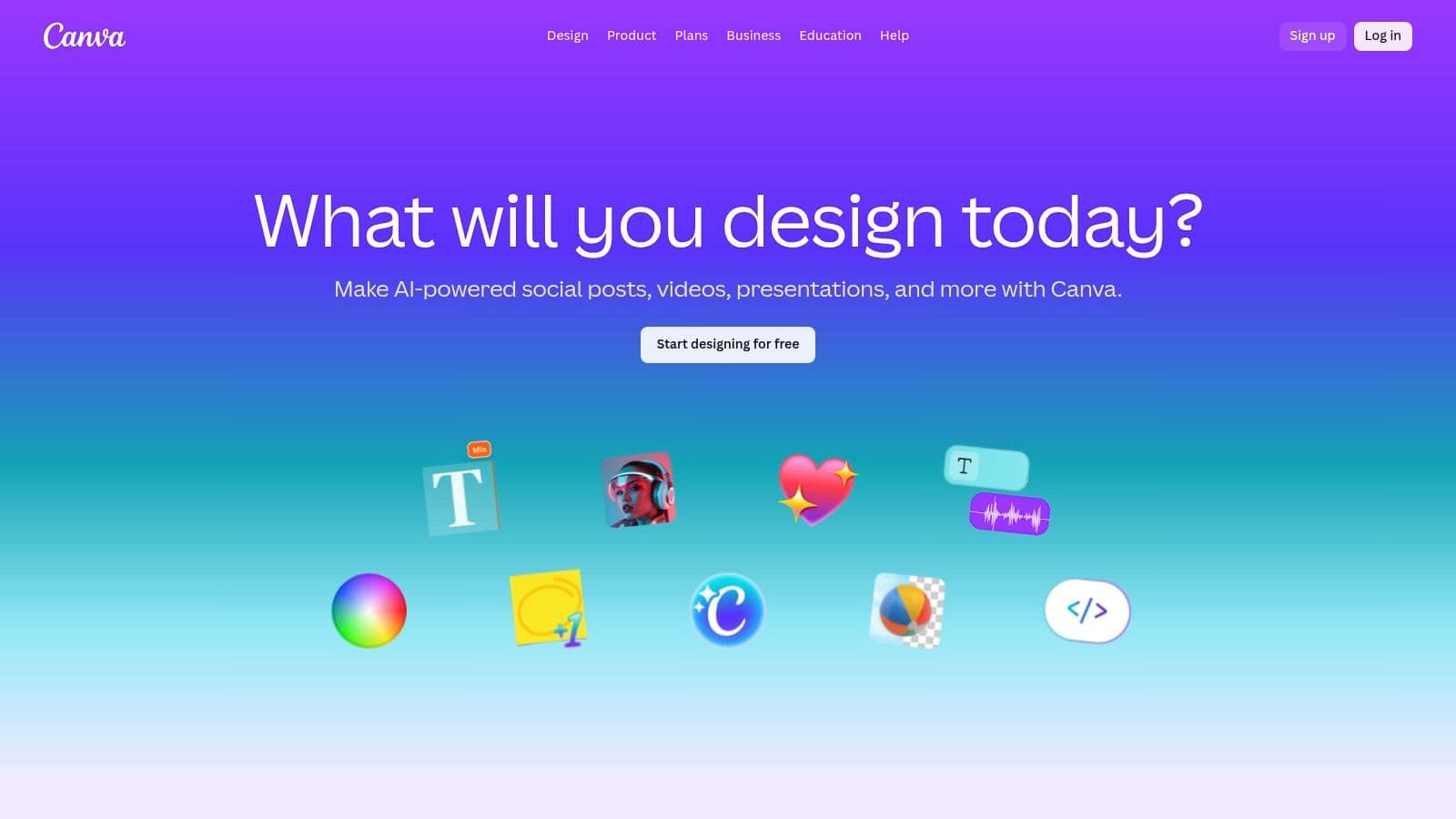
The platform has rapidly evolved beyond simple graphics, integrating a suite of AI-powered tools like Magic Write for copy and Magic Media for image generation. For teams, Canva’s collaboration features, including real-time comments and approval workflows, streamline the content review process. It's an end-to-end solution for organizations needing to produce a high volume of quality content consistently and efficiently.
Key Features and Use Cases
- Massive Template Library: Provides millions of templates for nearly every social media format, from Instagram Stories to YouTube thumbnails, making it perfect for rapid content creation.
- Team Collaboration: Brand Kits ensure consistency, while features for comments, approvals, and shared folders support seamless teamwork for marketing agencies and in-house teams.
- AI-Powered Magic Studio: Tools like Background Remover, Magic Resize, and Magic Write accelerate the editing process and help generate creative ideas.
- Content Planner: Schedule finished designs directly to major social platforms without leaving the Canva interface, centralizing creation and distribution.
Platform Breakdown
| Feature | Details |
|---|---|
| Ideal For | Marketing teams, small businesses, and solo creators who need a versatile, all-in-one tool for producing high volumes of visual content quickly. |
| Pricing | A comprehensive free version is available. Canva Pro starts at $14.99/month for one person, with team pricing available. |
| Key Differentiator | Its unmatched ease of use combined with an enormous ecosystem of templates, stock assets, and collaborative features makes it the go-to for speed and scale. |
| Proom AI Comparison | Canva is a jack-of-all-trades for general design, but Proom AI offers specialized, high-impact features like generating complete video ads from static product images and providing AI virtual presenters. |
Website: https://www.canva.com
4. Descript
Descript revolutionizes video and audio editing by making it as simple as editing a text document. This AI-forward platform is a game-changer for creating social media content, especially for podcasts, interviews, and talking-head videos. Instead of a traditional timeline, you edit the auto-generated transcript, and the corresponding video or audio cuts are made automatically. This unique workflow dramatically speeds up the process of repurposing long-form content into engaging, social-native clips.
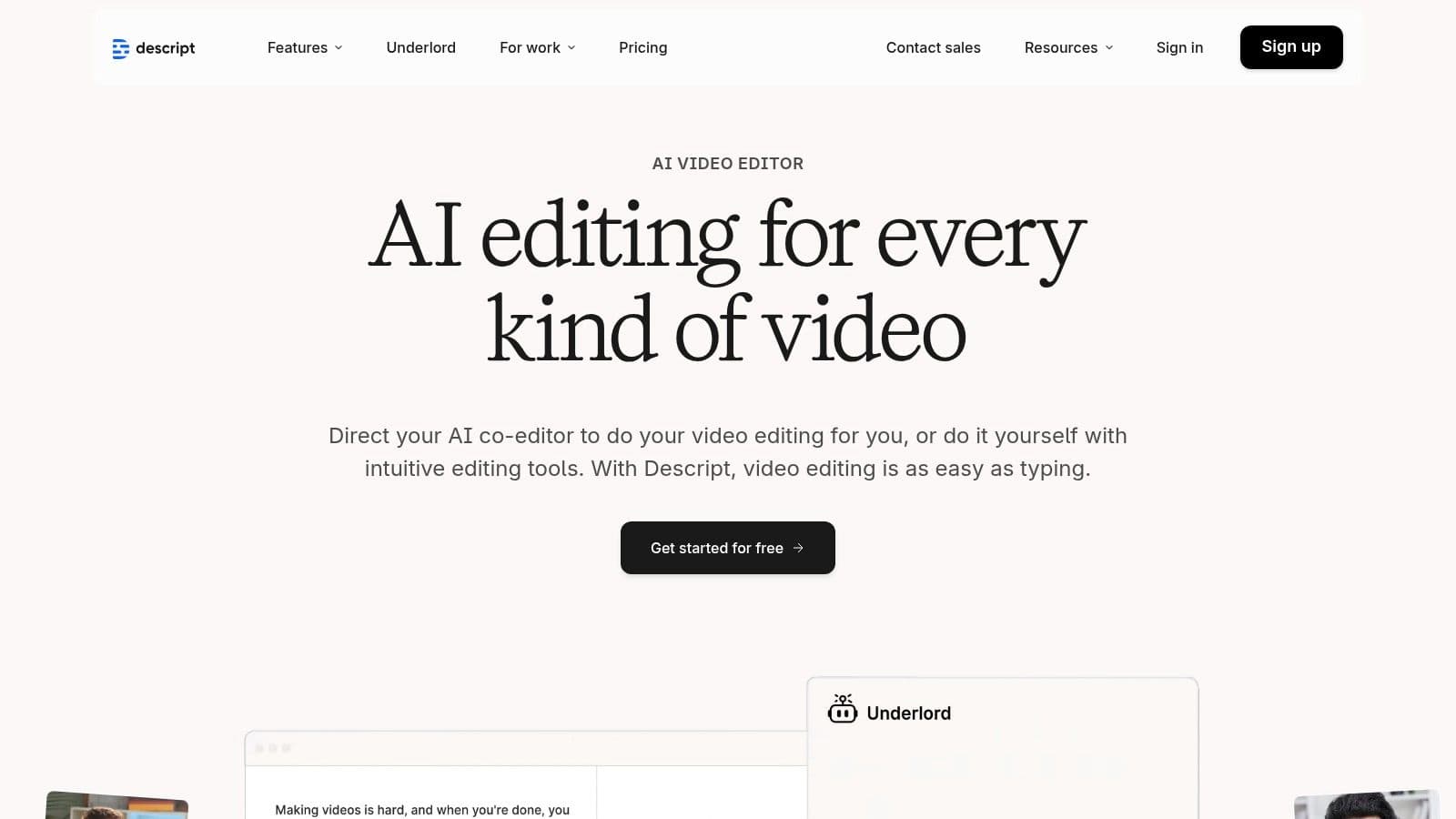
The platform’s power lies in its AI features like Studio Sound, which removes background noise and enhances voice quality with a single click. It also automatically detects and removes filler words like "um" and "uh," cleaning up recordings instantly. For social media managers, the ability to highlight text, click a button, and create a captioned, shareable clip is an unparalleled time-saver, making it one of the most efficient social media content creation tools for video. To better understand this new wave of content creation, you can learn more about how to make AI videos with tools like this.
Key Features and Use Cases
- Text-Based Editing: Edit video by simply editing the text transcript. This is ideal for quickly cutting down interviews or webinars into short, impactful social media clips.
- AI-Powered Cleanup: Features like Studio Sound and filler word removal ensure professional-quality audio, which is crucial for audience retention on platforms like Instagram Reels and TikTok.
- Automatic Captions & Subtitles: Instantly generate and style captions directly from the transcript, a must-have for accessible and engaging social video content.
Platform Breakdown
| Feature | Details |
|---|---|
| Ideal For | Podcasters, marketers, and content creators who need to quickly repurpose long-form audio/video into polished social media snippets. |
| Pricing | Free plan with limited features. Paid plans start at $12/month (billed annually), offering more transcription hours and advanced features. |
| Key Differentiator | Its unique "edit by transcript" workflow, which fundamentally changes and simplifies the video editing process for dialogue-heavy content. |
| Proom AI Comparison | Descript excels at editing existing video footage, whereas Proom AI is built to generate entirely new video ads from a simple product image, complete with AI-generated scripts and virtual presenters. |
Website: https://www.descript.com
5. Kapwing
Kapwing is a browser-based collaborative video editor designed for the speed of modern social media. It streamlines the creation of memes, reels, and subtitled videos, making it an excellent choice for marketing teams and creators who need to produce timely content without installing complex software. Its focus is on quick, no-fuss workflows that allow for fast turnarounds, from importing content via a link to exporting in social-media-ready formats.
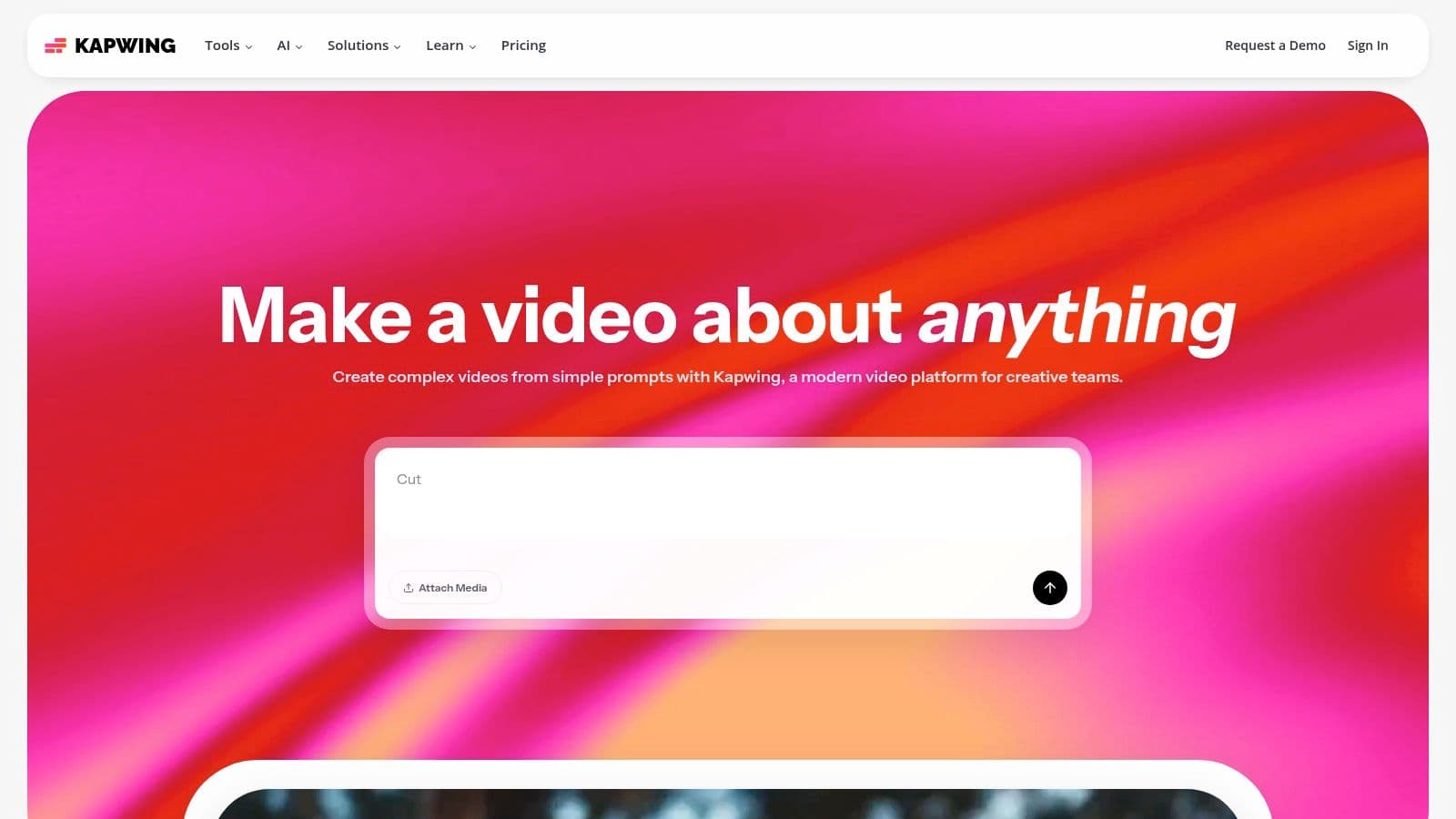
The platform's strength is its accessibility and real-time collaboration features. Teams can work together in shared workspaces, leaving comments and editing projects simultaneously, which is a major advantage for remote teams. Its clear credit system for AI-powered tasks like auto-subtitling and translation allows users to manage their usage effectively, making it a scalable solution that grows with a brand's needs.
Key Features and Use Cases
- Auto-Subtitling and Translation: Quickly generate accurate subtitles for videos to improve accessibility and engagement, a crucial feature for silent-viewing on platforms like Instagram and Facebook.
- Link Import & Resizing: Paste a link from YouTube, TikTok, or other platforms to start editing immediately. The smart resizer tool adapts content for various aspect ratios (e.g., 9:16 for Stories) in just a few clicks.
- Shared Workspaces & Brand Kits: Ideal for teams needing to maintain brand consistency. Upload brand assets once and ensure everyone on the team is using the correct logos, fonts, and colors for their video projects.
Platform Breakdown
| Feature | Details |
|---|---|
| Ideal For | Marketing teams, social media managers, and creators who need a fast, collaborative, browser-based video editor for daily content like reels, memes, and subtitled clips. |
| Pricing | Free plan available with watermarks and export limits. The Pro plan starts at $16/month (billed annually), offering 4K exports, no watermarks, and more AI credits. |
| Key Differentiator | A completely browser-based, real-time collaborative workflow combined with a powerful suite of AI-driven tools like auto-subtitling, translation, and a clean-audio feature. |
| Proom AI Comparison | Kapwing is excellent for editing existing video content, but Proom AI specializes in creating new video ads from scratch, transforming static product images into dynamic videos with AI-generated scripts and virtual presenters in seconds. |
Website: https://www.kapwing.com
6. VEED
VEED is an online video editing suite that has carved out a niche as one of the most powerful browser-based social media content creation tools, especially for teams focused on video accessibility and global reach. It’s designed for speed, simplifying complex tasks like subtitling, translation, and audio cleanup into a few clicks. This makes it an invaluable asset for marketers who need to quickly repurpose video content for different platforms and international audiences without getting bogged down in traditional editing software.
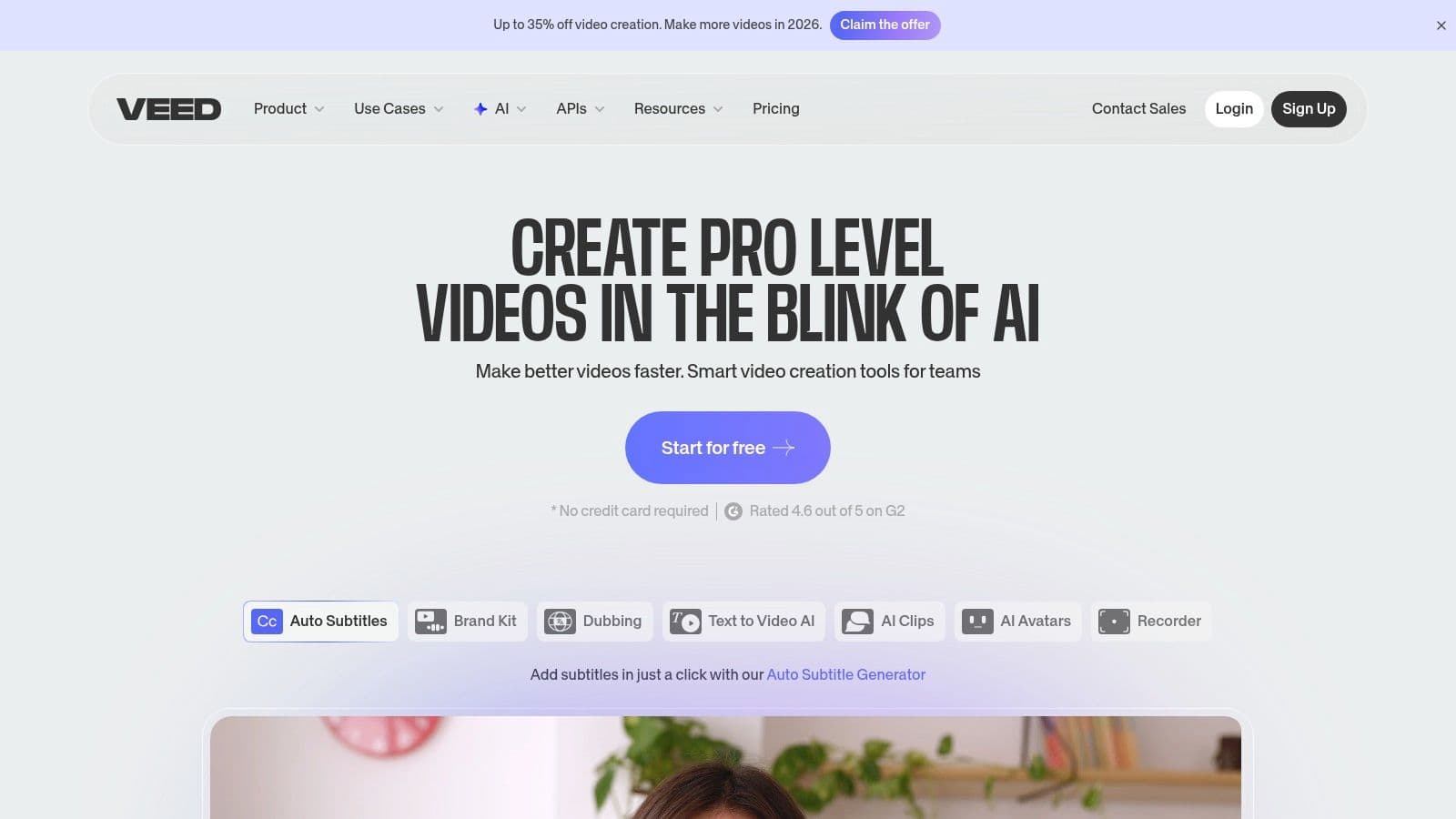
The platform’s core strength is its robust set of AI-powered features built around video production. From one-click background removal to generating realistic text-to-speech voiceovers and even AI avatars, VEED provides a comprehensive toolkit for modern content creators. This combination of speed and advanced functionality empowers teams to produce polished, engaging, and highly accessible video content at scale. Learning how to leverage these tools is key to creating effective promotional videos for your brand.
Ready to create video ads?
Turn your photos into scroll-stopping ads in minutes. No video editing skills required.
Try For FreeKey Features and Use Cases
- Auto-Subtitles and Translation: Automatically generate accurate captions for videos and translate them into multiple languages. This is essential for maximizing reach on platforms where sound-off viewing is common.
- AI Cleanup Tools: Features like Eye Contact correction, background noise removal, and filler word (e.g., "um," "ah") remover help creators produce professional-sounding videos with minimal effort.
- AI Avatars and Text-to-Speech: Create videos using AI-generated presenters and voiceovers, perfect for producing explainer videos or faceless content without needing to record in a studio.
Platform Breakdown
| Feature | Details |
|---|---|
| Ideal For | Marketing teams, course creators, and global brands needing to produce subtitled and localized video content quickly. |
| Pricing | Offers a free tier with watermarks. Paid plans start at $12/month (billed annually), with higher tiers unlocking advanced AI features and team collaboration. |
| Key Differentiator | Its best-in-class automatic subtitling, translation workflow, and a broad suite of practical AI video tools accessible directly in the browser. |
| Proom AI Comparison | VEED is a powerful general video editor, but Proom AI is more specialized for performance advertising, offering instant video ad generation from a single product image, something VEED does not do. |
Website: https://www.veed.io
7. InVideo
InVideo is an AI-assisted video creation platform designed for speed, making it one of the most accessible social media content creation tools for marketers. Its core function is to transform text-based inputs, like scripts or article URLs, into polished social videos in minutes. The platform is built for users who need to produce a high volume of video content for ads, reels, and stories without getting bogged down in complex editing software.
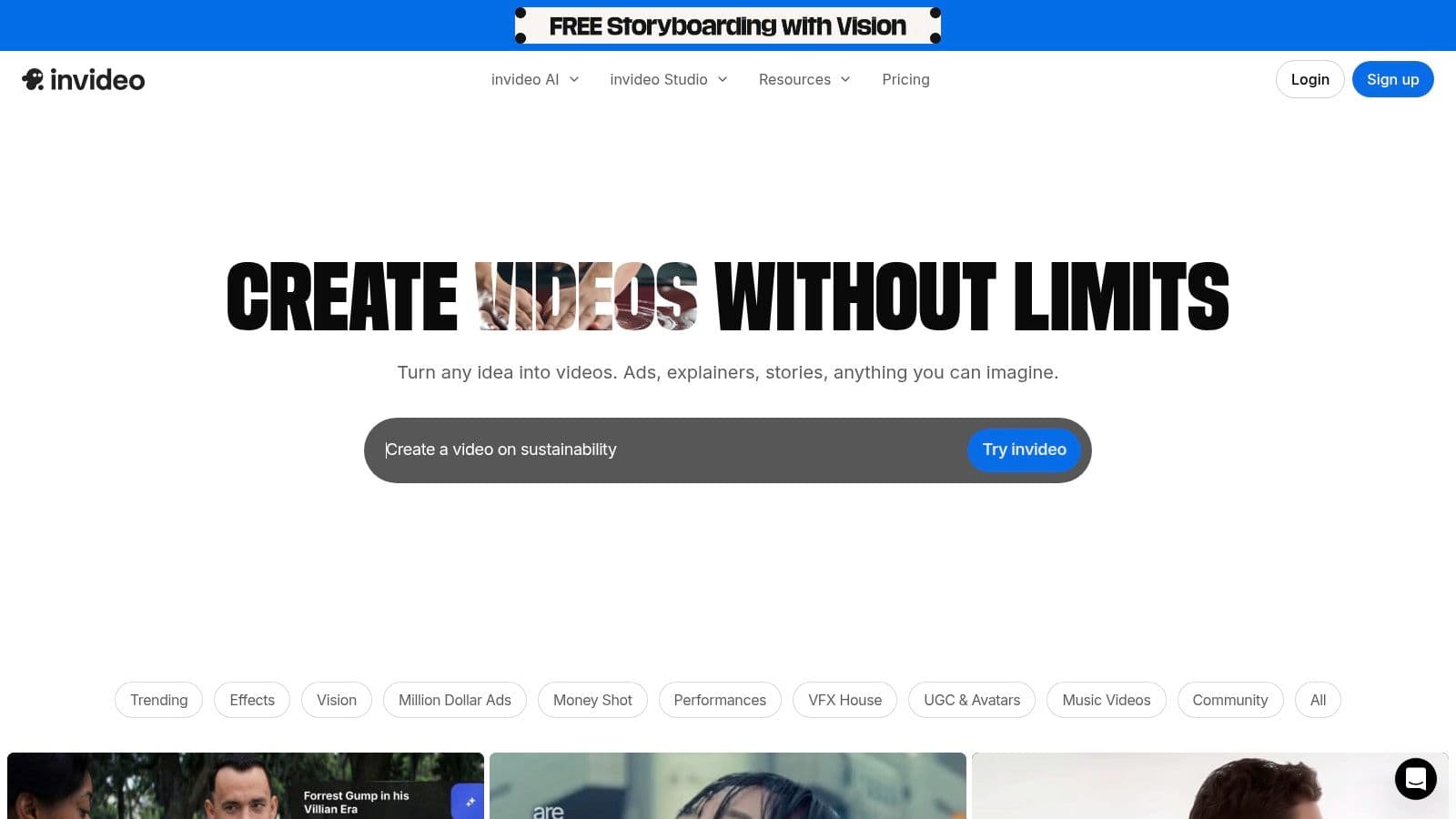
The platform’s major appeal is its "prompt-to-video" workflow, which significantly reduces the time from ideation to a ready-to-publish draft. By feeding it a simple prompt, InVideo’s AI generates a script, selects relevant stock media, creates scenes, and adds voiceovers and captions automatically. This makes it an invaluable tool for small businesses and advertisers looking to test different video ad concepts quickly.
Key Features and Use Cases
- AI Text-to-Video: Instantly convert blog posts, scripts, or simple prompts into a video sequence complete with visuals and voiceover. This is perfect for content repurposing and creating quick video ads.
- Template-Driven Editor: Access thousands of pre-made templates optimized for different social platforms and industries, ensuring a professional look even for beginners.
- AI Voiceovers and Avatars: Generate realistic voiceovers in multiple languages or use AI-powered virtual presenters to narrate your content, adding a human touch without filming.
Platform Breakdown
| Feature | Details |
|---|---|
| Ideal For | Marketers, small business owners, and advertisers needing a rapid workflow for creating social media video ads and content from scripts. |
| Pricing | A free plan is available with a watermark. Paid plans start at $20/month (billed annually), offering more AI credits, exports, and no watermark. |
| Key Differentiator | Its powerful AI engine that automates the entire video creation process from a single text prompt, including scriptwriting, media selection, and voiceover. |
| Proom AI Comparison | InVideo excels at text-to-video, but Proom AI offers a unique advantage by instantly generating video ads directly from a single static product image, a faster workflow for e-commerce brands. |
Website: https://www.invideo.io
8. Microsoft Clipchamp
Microsoft Clipchamp is a user-friendly, web-based video editor that has become a go-to tool for quick and efficient social media video production, especially for those embedded in the Microsoft ecosystem. Acquired by Microsoft, it offers a surprisingly powerful free tier and seamless integration with Windows and Microsoft 365, making it an accessible option for creating polished, professional-looking video content without needing advanced editing skills or expensive software.
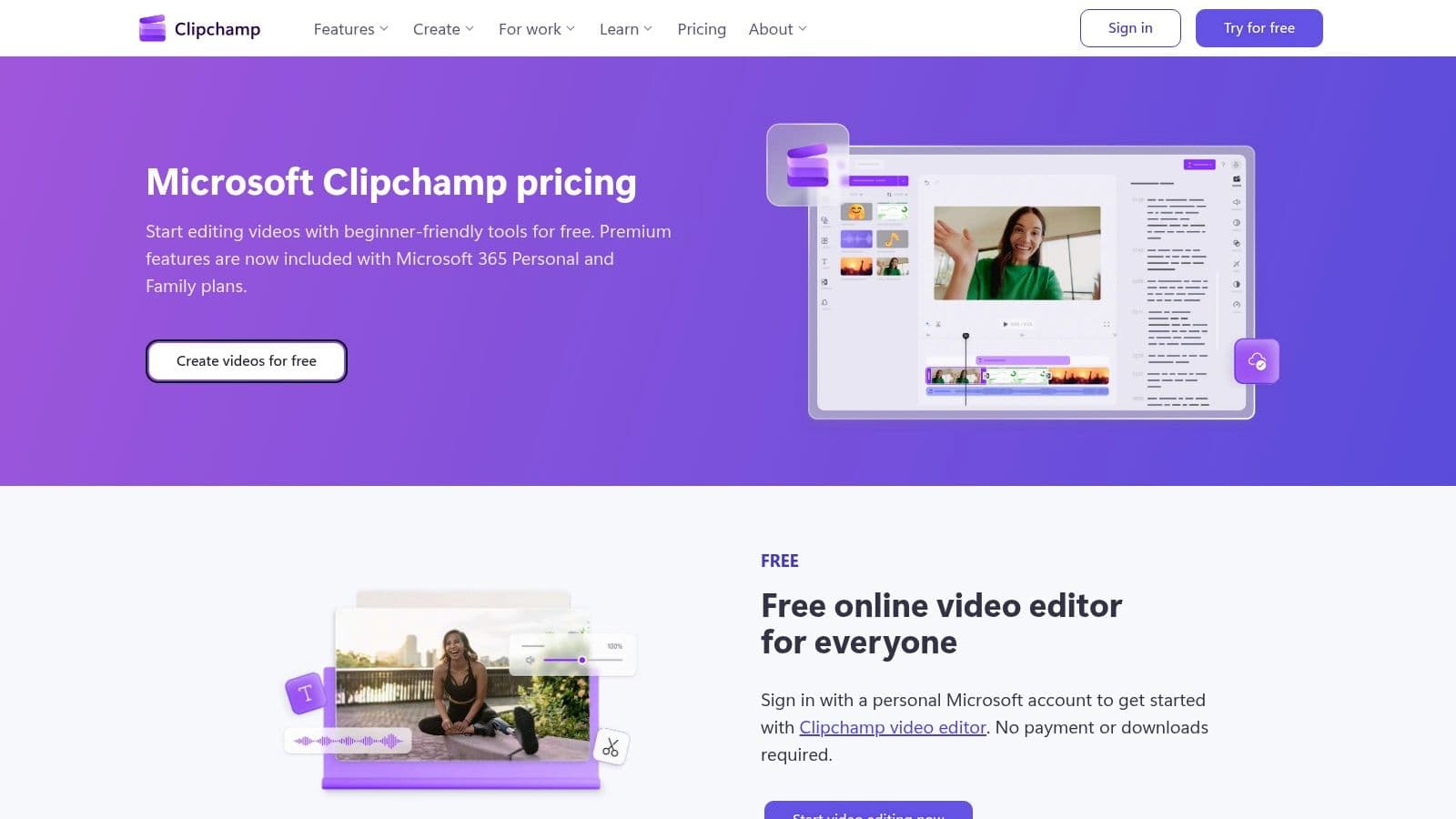
Its strength lies in its balance of simplicity and capability. The platform provides essential social-oriented features like auto-captions, background removal, and text-to-speech, which are critical for creating engaging social media content. The generous free plan, which includes watermark-free 1080p exports, makes it one of the most valuable free social media content creation tools available for individuals and small businesses just getting started with video.
Key Features and Use Cases
- AI-Powered Tools: Features like auto-captions for accessibility and engagement, text-to-speech for voiceovers, and an AI composer to auto-assemble clips streamline the editing process significantly.
- Brand Kits: Available in the premium version, this allows users to maintain brand consistency by pre-loading logos, fonts, and colors for quick application across all video projects.
- Cloud Integration: Deep integration with OneDrive ensures that projects and assets are automatically backed up and accessible across different devices, which is ideal for remote teams.
Platform Breakdown
| Feature | Details |
|---|---|
| Ideal For | Windows users, small businesses, and content creators looking for a capable and free video editor for high-quality social media posts. |
| Pricing | A powerful free plan with 1080p exports. The Premium plan (included with Microsoft 365 or starting at $11.99/month) adds 4K exports, brand kits, and premium stock assets. |
| Key Differentiator | Native Windows integration and a highly functional free tier with watermark-free HD exports. |
| Proom AI Comparison | Clipchamp is excellent for general video editing but doesn't offer Proom AI's specialized ability to instantly generate complete video ads from static images or product URLs, nor its advanced AI scriptwriting and virtual presenter features. |
Website: https://clipchamp.com/en/pricing/
9. Envato Elements
Envato Elements is less of a standalone creation tool and more of a vast, all-you-can-eat buffet for creative assets. It operates on an unlimited-download subscription model, providing access to millions of video templates, social media graphics, stock photos, music tracks, and sound effects. For social media managers and agencies, this platform is a goldmine for sourcing high-quality components to build diverse and engaging content without the per-asset cost.
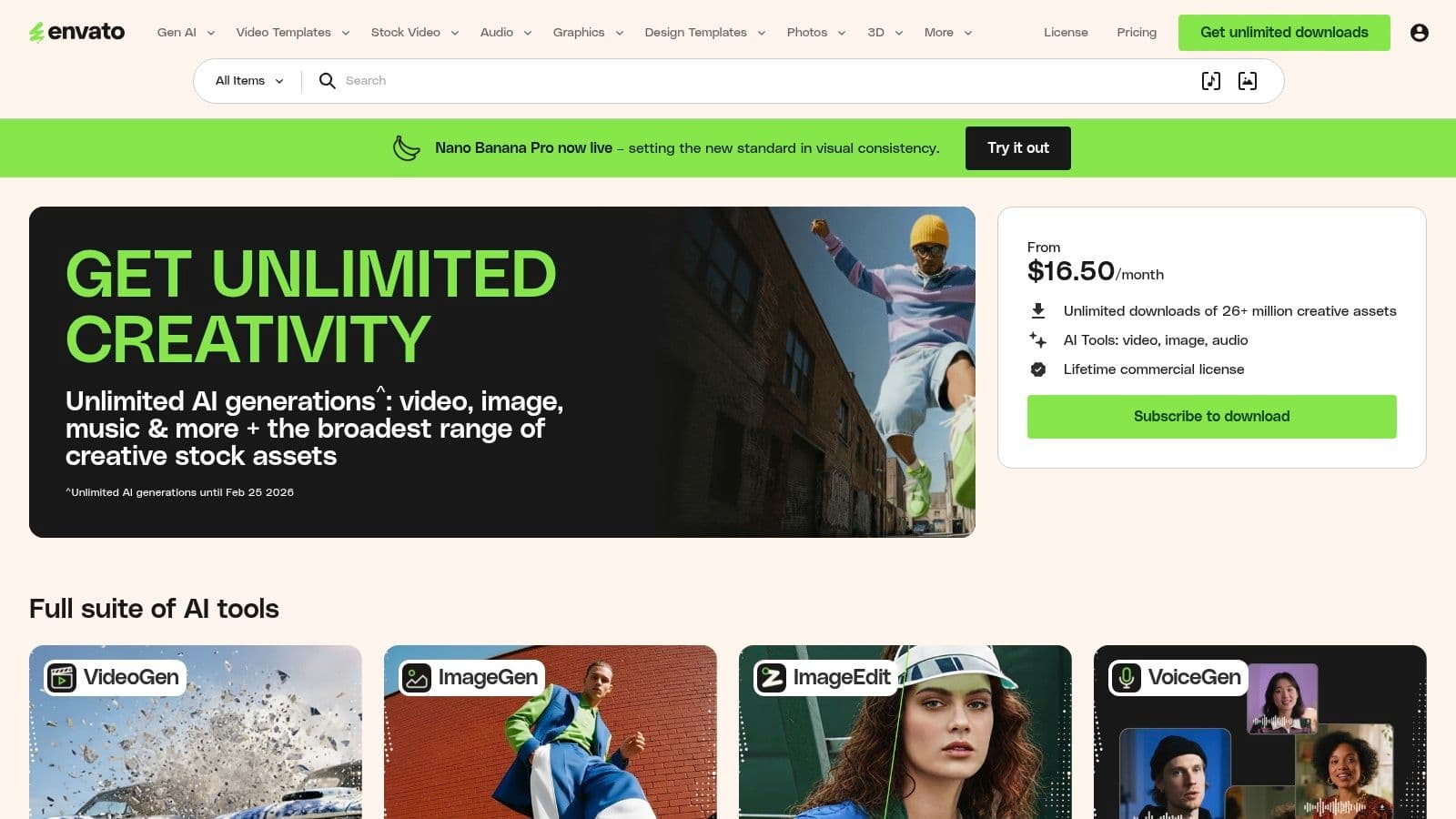
The platform’s core value lies in its sheer volume and variety, coupled with a simple commercial license that covers most social media use cases. This makes it an invaluable resource for teams that need a constant stream of fresh assets for ads, organic posts, and stories. The ability to grab a professional After Effects template, a trendy background track, and high-resolution stock video all under one subscription significantly streamlines the creative workflow and budget.
Key Features and Use Cases
- Massive Asset Library: With over 26 million assets, creators can find everything from TikTok video templates and Instagram story graphics to royalty-free music and fonts.
- Simple Commercial Licensing: One straightforward license covers all assets for commercial projects, removing the legal complexities of sourcing content from multiple places.
- Generative AI Tools: The platform includes AI-powered tools for image generation, offering another layer of content creation, though it comes with monthly credit limits.
Platform Breakdown
| Feature | Details |
|---|---|
| Ideal For | Creative agencies, freelancers, and marketing teams needing a constant supply of diverse creative assets for video, graphic, and web projects. |
| Pricing | Individual plans start at $16.50/month. Team and Enterprise plans are also available for collaborative workflows. |
| Key Differentiator | An "all-in-one" subscription model for a massive, multi-category library of creative assets, offering exceptional value for high-volume content producers. |
| Proom AI Comparison | Envato Elements is a resource library, not an end-to-end creation tool. It provides the raw materials, whereas Proom AI offers a complete solution with AI scriptwriting, virtual presenters, and instant video ad generation from a single image. |
Website: https://elements.envato.com
10. Storyblocks
Storyblocks is a go-to resource for creators who need a constant supply of high-quality stock media without unpredictable costs. It offers a subscription-based model with unlimited downloads of video, audio, images, and templates, making it a budget-friendly powerhouse for social media teams that produce a high volume of video content. This platform is perfect for filling the gaps in your custom footage, adding professional polish with b-roll, or finding the right soundtrack to elevate your social media edits and advertisements.
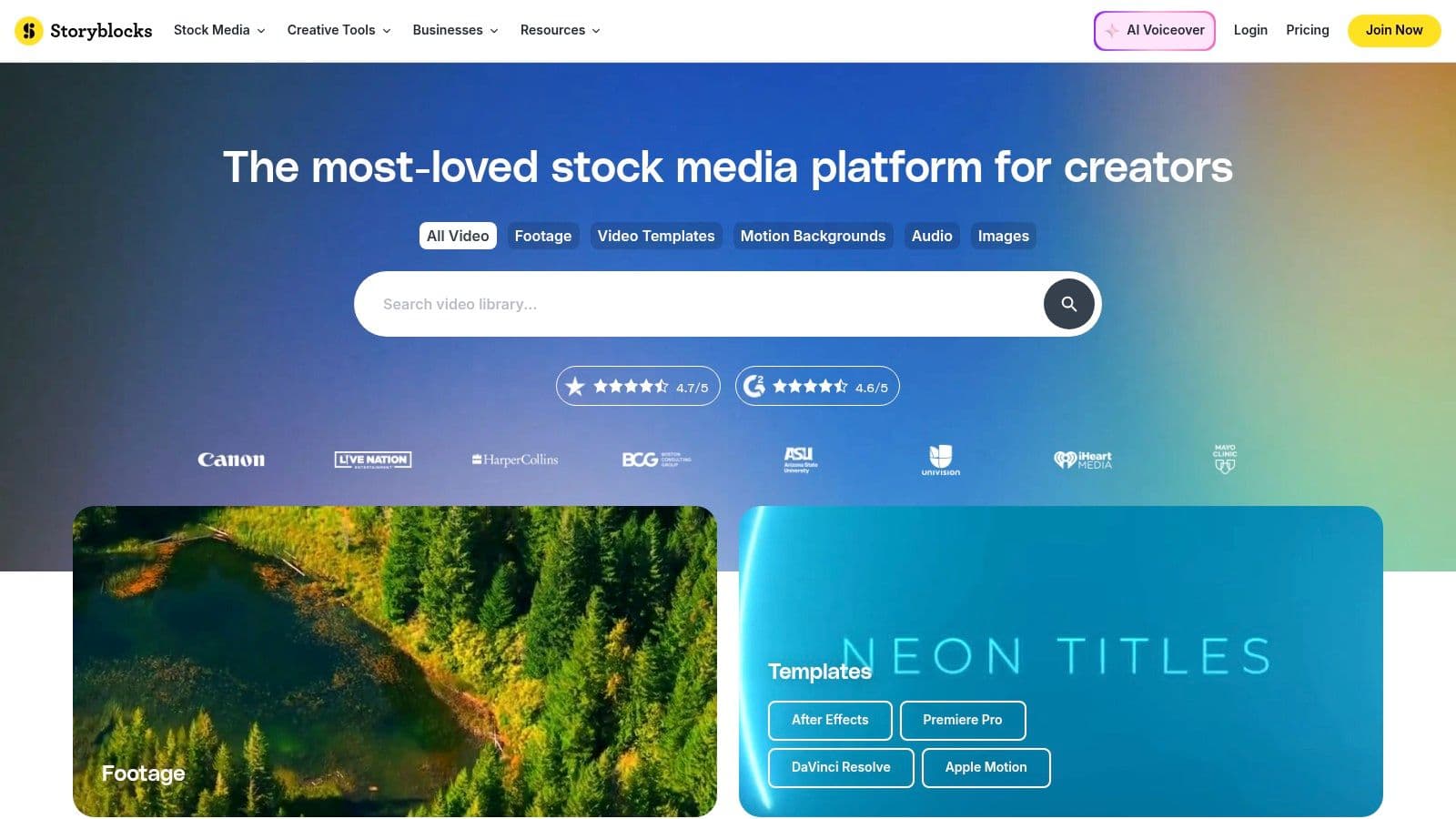
The platform's key advantage is its simple, all-inclusive licensing and predictable pricing. For a flat monthly or annual fee, users get unlimited access to a vast library, which simplifies budget management and removes the friction of per-asset licensing common on other stock sites. This makes Storyblocks one of the most efficient social media content creation tools for agencies and in-house teams who consistently need fresh assets.
Key Features and Use Cases
- Unlimited Downloads: Access millions of HD and 4K video clips, music tracks, sound effects, photos, and templates. Ideal for creating dynamic video ads, story backgrounds, and engaging feed posts without worrying about individual costs.
- Adobe Creative Cloud Plugins: Integrate the Storyblocks library directly into Adobe Premiere Pro and After Effects, allowing editors to find and import assets without leaving their workflow.
- Maker Video Editor: A simple, built-in video editor for quickly assembling clips, adding text, and creating social media-ready videos without needing advanced software.
Platform Breakdown
| Feature | Details |
|---|---|
| Ideal For | Content creators, video editors, and marketing agencies needing a cost-effective, high-volume source of stock media for social media video production. |
| Pricing | Plans start at $15/month for the Starter tier. The Unlimited All Access plan provides the best value for comprehensive media needs. |
| Key Differentiator | A simple, unlimited download subscription model that covers video, audio, and images, offering predictable costs for heavy users. |
| Proom AI Comparison | While Storyblocks provides the raw assets, Proom AI automates the entire ad creation process by transforming static images into video ads, complete with AI scripts and presenters, eliminating the need for manual editing. |
Website: https://www.storyblocks.com
11. Creative Market
Creative Market is not a singular tool but a vast marketplace where independent creators sell digital assets. For social media managers and brands, it’s a goldmine for high-quality, professionally designed templates, mockups, icon sets, and full brand kits. Instead of starting from scratch, you can purchase a curated pack tailored to a specific niche or aesthetic, saving countless hours while achieving a polished, cohesive look for your feed.
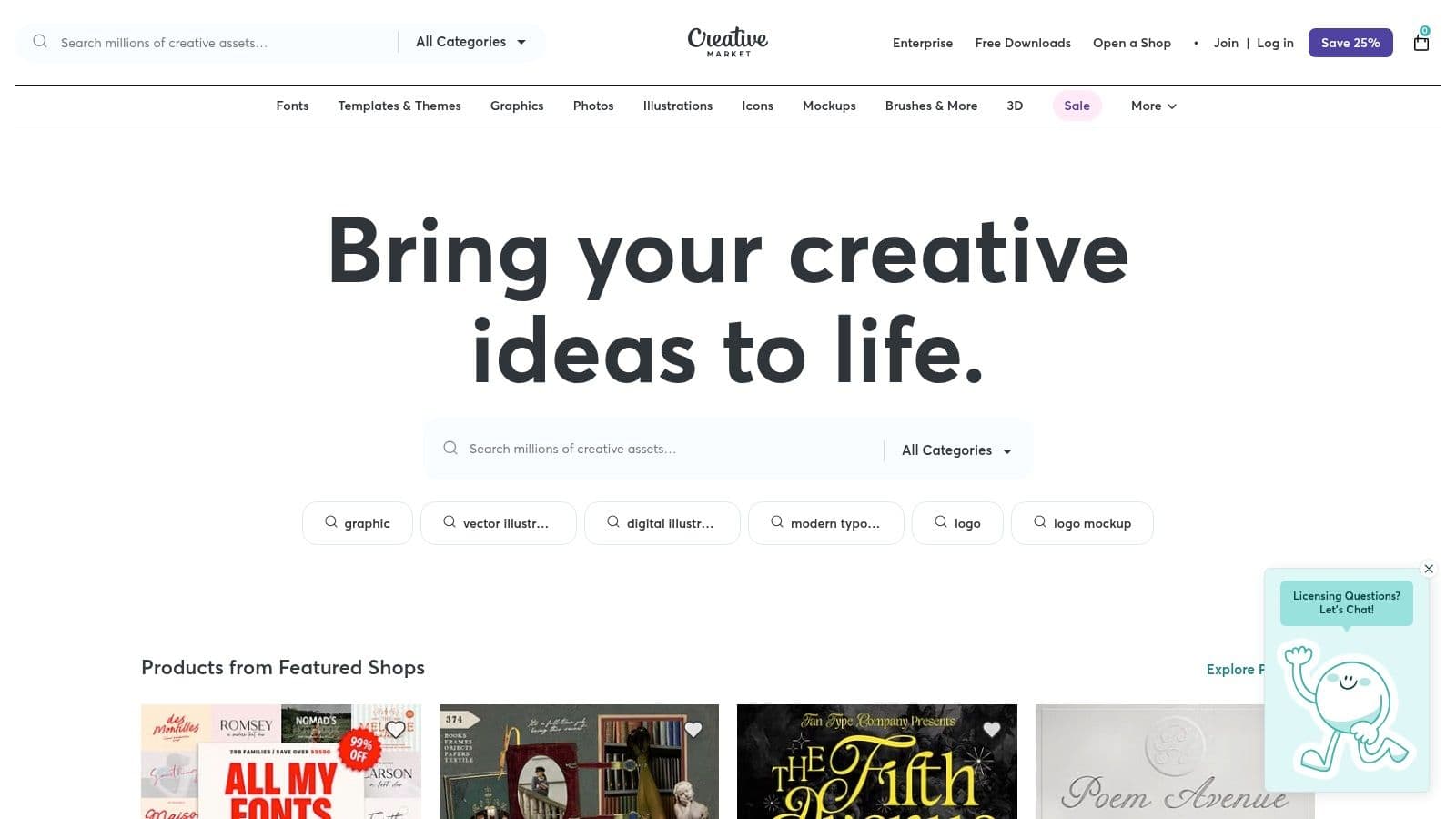
The platform’s strength is its pay-per-asset model, allowing users to buy exactly what they need without a recurring subscription. Many of these assets are designed to be easily editable in popular tools like Canva or Photoshop, making it one of the most flexible social media content creation tools for non-designers. This is particularly useful for campaigns that require a consistent visual theme over many posts.
Key Features and Use Cases
- Niche-Specific Template Bundles: Find template packs designed for specific industries like real estate, e-commerce, coaching, or hospitality, ensuring your content is visually relevant.
- One-Time Purchases: Acquire assets with clear licensing terms for a single fee. This is ideal for one-off projects or for building a permanent library of design resources.
- Canva-Ready Assets: Many sellers optimize their templates for easy editing in Canva, streamlining the workflow for teams that rely on the platform for their day-to-day design tasks.
Platform Breakdown
| Feature | Details |
|---|---|
| Ideal For | Marketers and brands seeking high-quality, aesthetic-specific templates for campaigns without committing to a subscription. |
| Pricing | Varies by product. Assets are purchased individually, with prices set by the creator. Expect to pay anywhere from $10 to $70+ for a comprehensive template pack. |
| Key Differentiator | A massive, diverse marketplace of unique assets from thousands of independent creators, offering styles that are not available in mainstream template libraries. |
| Proom AI Comparison | Creative Market provides static templates that require manual customization. In contrast, Proom AI automates the entire video ad creation process, generating scripts, voiceovers, and dynamic visuals from a single image or URL. |
Website: https://creativemarket.com
12. Amazon (creator gear for social content)
While not a software tool, Amazon is an indispensable resource for elevating the production quality of your social media content. It functions as a massive, accessible marketplace for the physical tools that make content shine, from lighting and audio to camera stabilization. For creators and small teams needing to quickly build or upgrade a home studio, Amazon's vast inventory and fast shipping make it one of the most practical social media content creation tools available.
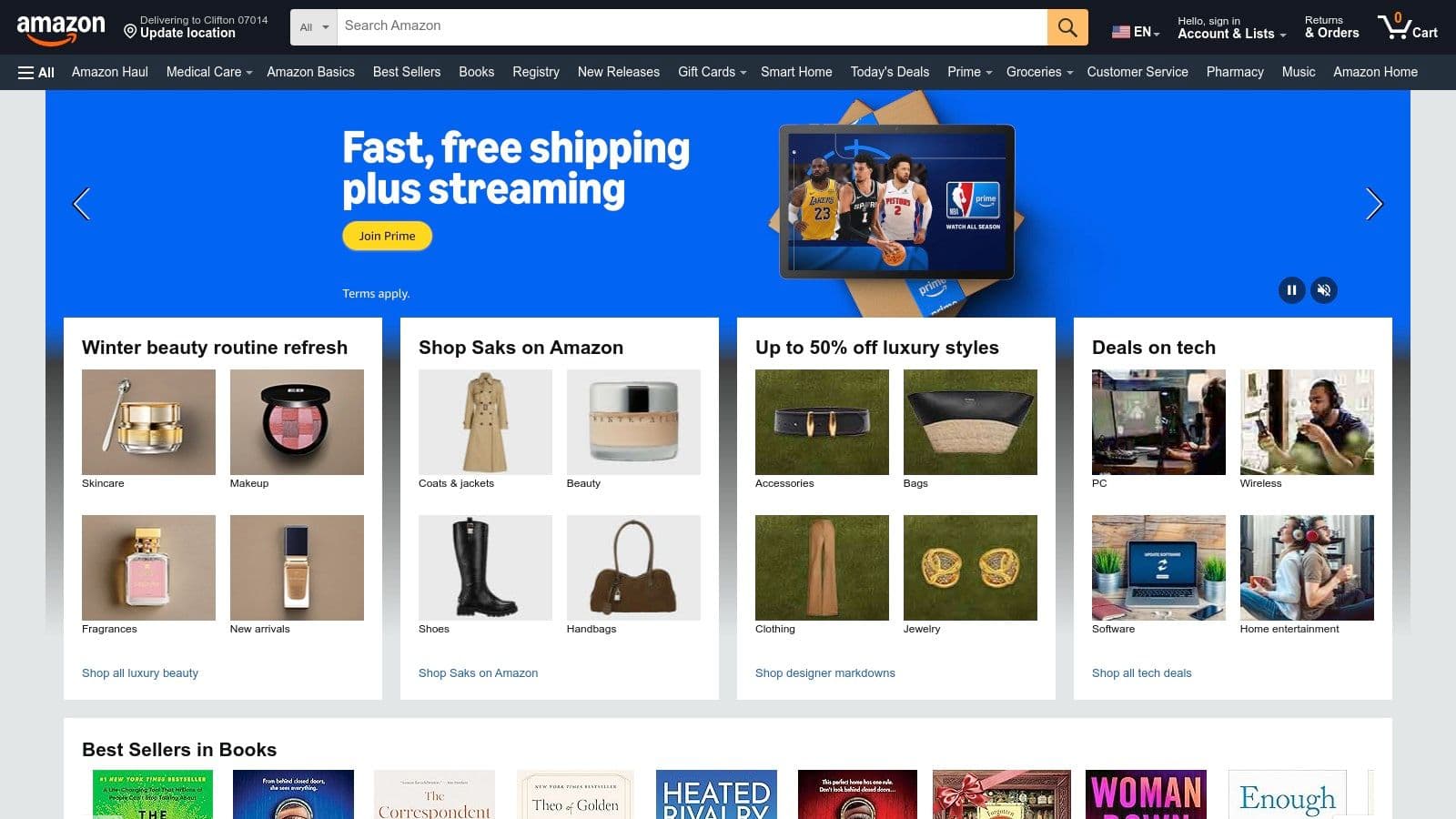
The platform’s primary advantage is the sheer variety and accessibility of gear at every price point. A creator can outfit an entire mobile-first video setup, including a ring light, tripod, and lavalier microphone, often with next-day delivery via Prime. Extensive user reviews provide valuable real-world feedback, helping you vet which products perform best for specific use cases like TikTok videos or Instagram Reels before committing to a purchase.
Key Features and Use Cases
- One-Stop Studio Outfitting: Find everything from entry-level ring lights and green screens to prosumer softboxes and compact RGB lights to create a specific mood or aesthetic for your brand.
- Mobile Content Rigs: A huge selection of smartphone tripods, gimbals, and microphone attachments allows creators to produce high-quality, stable video directly from their phones.
- Audio Improvement: Easily source USB microphones for clear voiceovers or lavalier mics for interviews and on-the-go content, drastically improving audio quality over built-in phone mics.
Platform Breakdown
| Feature | Details |
|---|---|
| Ideal For | Creators, marketers, and small businesses needing to quickly and affordably purchase physical equipment to improve their content's production value. |
| Pricing | Varies by product. Gear is available from under $20 for basic tripods to several hundred dollars for advanced lighting and audio equipment. |
| Key Differentiator | Unmatched selection, competitive pricing, and rapid Prime shipping, combined with a wealth of user reviews to guide purchasing decisions for physical creator hardware. |
| Proom AI Comparison | Amazon provides the physical tools, but Proom AI provides the intelligent software to create content without any gear at all. Proom AI can generate video ads, scripts, and virtual presenters with just a few clicks. |
Website: https://www.amazon.com
Top 12 Social Media Content Creation Tools Comparison
| Product | Core offering | Target audience | Unique selling points | Pricing & value |
|---|---|---|---|---|
| Proom AI | Instant template-driven video ad creator from images | E‑commerce brands, performance marketers, small teams, agencies | 3‑step workflow, 100+ industry templates, 1,000+ AI actors, 60+ languages, built-in script & AI presenters | From $39/mo; credit tiers, free trial, ownership retained |
| Adobe Express | Web & mobile tool for quick social posts and short videos | Small teams, social managers, non‑designers | Adobe Stock tie‑ins, brand kits, one‑click resize, scheduler | Low‑cost premium; free tier + paid plans |
| Canva | Design platform for graphics & short video with massive templates | Non‑designers, growth teams, creators at scale | Huge template/stock library, brand kits, AI helpers, collaboration | Free tier; Pro starts ~ $12.99/mo |
| Descript | Transcript‑first audio/video editor for talking‑head content | Podcasters, social editors, creators repurposing long form | Text‑based editing, Studio Sound, Overdub voice cloning, fast captions | Free tier; paid tiers for heavy AI/transcription |
| Kapwing | Browser editor for fast social content (memes, reels, subtitles) | Marketers, small teams needing no‑install workflows | Auto‑subtitles, translation, real‑time collaboration, clear credit model | Free w/ limits; paid plans remove watermark/limits |
| VEED | Online editor focused on captions, translation and AI avatars | Teams producing localized, subtitled social videos | Strong subtitle/translation workflow, avatars, API & enterprise | Free w/ limits; paid tiers for advanced AI |
| InVideo | Template + AI‑assisted social video drafts and avatars | Marketers who want quick draft ads from scripts/prompts | Text‑to‑video, AI script/voice, fast ideation‑to‑draft flow | Free w/ watermark; paid plans for full access |
| Microsoft Clipchamp | Web editor with M365 integration for social videos | Microsoft 365 teams, Windows users | Generous free HD exports, OneDrive sync, M365 premium features | Free tier (1080p); premium via Microsoft 365 |
| Envato Elements | Unlimited assets subscription (templates, music, video) | Creators/agencies needing broad asset supply | 26M+ assets, commercial licensing, team options | Subscription (unlimited downloads) — good for heavy asset users |
| Storyblocks | Unlimited stock video, music, SFX and templates | Video editors and teams needing predictable stock access | Unlimited downloads, HD/4K, maker tools, business licensing | Unlimited plans (tiered) — predictable cost for heavy use |
| Creative Market | Marketplace for one‑off templates, mockups, brand kits | Non‑designers wanting curated, niche templates | One‑time purchases, niche packs, Canva‑ready items | Pay per item — no subscription required |
| Amazon (creator gear) | Marketplace for lighting, rigs, audio and studio gear | Solo creators, small studios; anyone buying hardware | Fast shipping, broad selection, reviews, competitive pricing | Pay per item; wide price range from entry to prosumer |
Choosing the Right Tools for Your Content Strategy
Navigating the vast landscape of social media content creation tools can feel overwhelming, but the journey from ideation to publication has never been more accessible. As we've explored, the modern content creator's toolkit is no longer about finding a single, all-powerful application. Instead, it's about building a strategic, integrated stack of platforms that amplifies your team's strengths and minimizes its weaknesses. The 12 tools we've detailed, from comprehensive platforms like Proom AI and Canva to specialized resources like Descript and Envato Elements, each offer a unique solution to a specific content challenge.
The central takeaway is this: the "best" tool is entirely dependent on your unique workflow, business goals, and production bottlenecks. A small e-commerce brand struggling to produce video ads at scale will find immense value in a tool that automates the process, while a large marketing agency might prioritize collaborative design features for static graphics. Your selection process should begin with an honest internal audit of your content creation process.
How to Build Your Ideal Content Creation Stack
To move from analysis to action, consider a tiered approach to building your toolkit. This method ensures you cover your primary needs first before adding specialized or supplementary tools.
-
Identify Your Core "Hub" Tool: This is the platform where the bulk of your content creation will happen. It should directly solve your biggest production pain point.
- For rapid, high-volume video ad creation: If your primary challenge is turning static product images or real estate photos into engaging video ads quickly, a platform like Proom AI is your ideal hub. Its ability to generate scripts, add AI presenters, and use industry-specific templates makes it a powerful engine for performance marketing.
- For collaborative graphic design and brand consistency: If your team's focus is on creating a high volume of social graphics, presentations, and brand collateral, Canva or Adobe Express will serve as a robust and accessible core hub.
- For repurposing long-form content: If your strategy revolves around turning podcasts, webinars, or interviews into social clips, Descript's unique text-based video editing is an unparalleled choice for your primary tool.
-
Select Your Specialized "Spoke" Tools: These are the supplementary tools that fill the gaps your core hub doesn't cover.
- Do you need higher-quality, unique stock footage or music? A subscription to Envato Elements or Storyblocks can elevate the production value of content created in your hub tool.
- Is your team filming original content in-house? Investing in reliable, budget-friendly physical gear from a source like Amazon becomes a critical spoke in your content wheel.
- Are you looking for specific, high-end templates or graphics for a one-off campaign? Creative Market offers a pay-as-you-go model that complements a subscription-based hub.
-
Audit and Refine Regularly: The world of social media content creation tools evolves at a breakneck pace. What works for your team today might be superseded by a more efficient solution in six months. Set a reminder to re-evaluate your toolkit biannually. To ensure you're considering all the top options for your workflow, you might find a comprehensive review of the 12 Best Content Creation Tools for Social Media in 2026 a useful resource for these check-ins.
Ultimately, your toolkit should feel like an extension of your team, a silent partner that removes friction and unlocks creative potential. The goal is to spend less time fighting with software and more time connecting with your audience. By strategically combining a primary platform with specialized resources, you build a resilient and powerful content engine capable of driving meaningful engagement and achieving your business objectives.
Ready to eliminate the biggest bottleneck in video ad creation? Proom AI transforms your static product images into high-performing video ads in minutes, complete with AI-generated scripts, realistic presenters, and professional templates. Stop spending weeks on video production and start scaling your campaigns today by exploring Proom AI.
Ready to create video ads?
Turn your photos into scroll-stopping ads in minutes. No video editing skills required.
Try For FreeStay ahead in video marketing
Join thousands of marketers getting actionable insights delivered to their inbox.
Join 5,000+ marketers. No spam, unsubscribe anytime.